
Why Smart Budgeting Matters More Than Ever
Smart budgeting isn’t about turning your life into a spreadsheet. It’s about giving every unit of your income a clear “job” so you’re not constantly wondering where your money went. For budgeting for beginners, the first goal is not perfection; the goal is control and predictability.
In 2025, with subscriptions, micro‑payments and instant credit everywhere, relying on “mental accounting” is a fast way to lose track. A basic, structured system—no matter which you choose—acts like an operating system for your money: it defines priorities, allocates resources and flags risks early.
Core Approaches: Choosing Your Budgeting “Operating System”
1. Zero‑Based Budgeting
Zero‑based budgeting means you assign every planned unit of income to a category until the balance hits zero: expenses, savings, investments, debt payments. “Leftover money” stops existing as a concept.
This approach works well if your income is stable and you want maximum control. It enforces explicit decisions: if you increase “eating out”, something else must shrink. The trade‑off is higher cognitive load: you must update and review regularly.
2. Envelope (Category Bucket) Method
The envelope method started with physical cash envelopes, but now it’s mostly digital “buckets” or sub‑accounts. You pre‑allocate funds to categories like “groceries”, “transport”, “emergency”, and you spend only from that virtual envelope.
For how to start a budget with minimal friction, this method is intuitive: you see exactly how much remains in each category. The downside: if you have many categories and variable income, rebalancing envelopes can become cumbersome.
3. 50/30/20 and Other Ratio‑Based Frameworks
Ratio rules (50/30/20, 60/20/20, etc.) are heuristic‑based budgeting. For example, 50% for needs, 30% for wants, 20% for savings and debt reduction. This is a “good‑enough” framework, not a micro‑tracking system.
These models are forgiving. They’re great for a simple monthly budget plan when you don’t want to obsess over every transaction. The limit: you may overlook inefficient spending because you don’t drill into detailed line items.
4. Goal‑Driven / Reverse Budgeting
Here you start from outcomes: “I want X saved in 12 months” or “I want debt Y reduced by Z%”, then reverse‑engineer how much must be auto‑saved or auto‑paid each month. Everything else is allowed to “float” within that constraint.
This works very well if you’re motivated by specific targets. But with no further structure, lifestyle creep can still eat into your remaining cashflow.
Comparing Approaches: What Actually Works in Real Life
For beginners, the main success factor isn’t the methodology itself, it’s behavioral fit. In practice:
1. If you like detail and control → zero‑based or envelope.
2. If you’re busy and easily overwhelmed → ratio‑based or goal‑driven.
3. If income is irregular → envelope + goal‑driven hybrid works well.
From a technical perspective, all systems do three things: capture inflows, categorize outflows and enforce limits. The big difference is granularity (how detailed you get) and automation level (how much the system runs without you).
Behavior vs. Math
Purely mathematically, tracking every transaction is “best”. Behaviorally, too much tracking causes fatigue and abandonment. A robust beginner setup prioritizes sustainability over precision. It’s better to run a “good enough” structure for years than a perfect one for two weeks.
Tech Tools: Pros and Cons of Modern Budgeting Solutions
Manual Methods: Paper, Notebooks, Basic Spreadsheets
Manual tools offer high transparency. Writing everything down forces awareness and reflection. In finance terms, you’re building “data literacy” about your own cashflow.
However, manual methods have no real‑time synchronization, no automatic categorization and no alerts. You’re always processing historical data, which reduces your ability to react quickly to overspending.
Dedicated Budgeting Apps
The best budgeting apps for beginners focus on usability, bank syncing and clear dashboards. Key features often include:
– Automatic transaction import
– Category rules and recurring transactions
– Goal tracking and progress visualization
– Simple forecasting
Pros:
– Drastically reduces friction and manual work.
– Offers analytics: category breakdowns, trends, projections.
– Can send real‑time notifications when you approach limits.
Cons:
– Data privacy and security risk if you connect bank accounts.
– Subscription costs (small but cumulative).
– Over‑complex dashboards can distract from simple daily decisions.
Bank and Neobank Built‑In Tools
Many banks and fintech apps now bundle rudimentary budgeting modules: spending insights, merchant grouping, “safe to spend” counters. These are convenient because they operate on live transaction streams.
Limitations: feature sets are often shallow, with limited customization and no cross‑bank aggregation. If your finances are spread across multiple providers, the view is incomplete.
Spreadsheet‑Plus: Semi‑Automated Workflows
Some users prefer hybrid setups: Google Sheets or Excel linked with bank exports or automation tools. These setups allow tailored formulas, custom dashboards and very specific rules (e.g., isolating recurring SaaS subscriptions).
Trade‑off: requires more technical literacy and maintenance. But if you enjoy tinkering, this can be both precise and flexible.
How to Start a Budget: A Practical, No‑Drama Setup
Step‑By‑Step Implementation
Here’s a lean process you can actually maintain:
1. Map your inflows. List all income sources and their frequency. Aim for a conservative average if income is variable.
2. Identify fixed obligations. Rent, utilities, minimum debt payments, insurance—these are “non‑discretionary”.
3. Define 3–5 top‑level categories. For example: Needs, Wants, Financial Goals, Buffer. Avoid 20 micro‑categories at the start.
4. Allocate percentages. Use a simple rule like 50/30/20 adjusted to your reality (e.g., 60/25/15 in high‑rent cities).
5. Choose your tool. App, bank tool, or spreadsheet—whatever you’re most likely to open daily.
6. Implement automation. Set auto‑transfers to savings/investment accounts right after payday. Treat them like fixed bills.
7. Run weekly reviews. 10–15 minutes to reconcile, recategorize odd transactions and adjust limits if needed.
This is enough to build a working baseline. You can layer on more sophistication—sinking funds, separate investment buckets, debt optimization—after the core routine feels natural.
Personal Finance Tips for Beginners That Actually Change Behavior
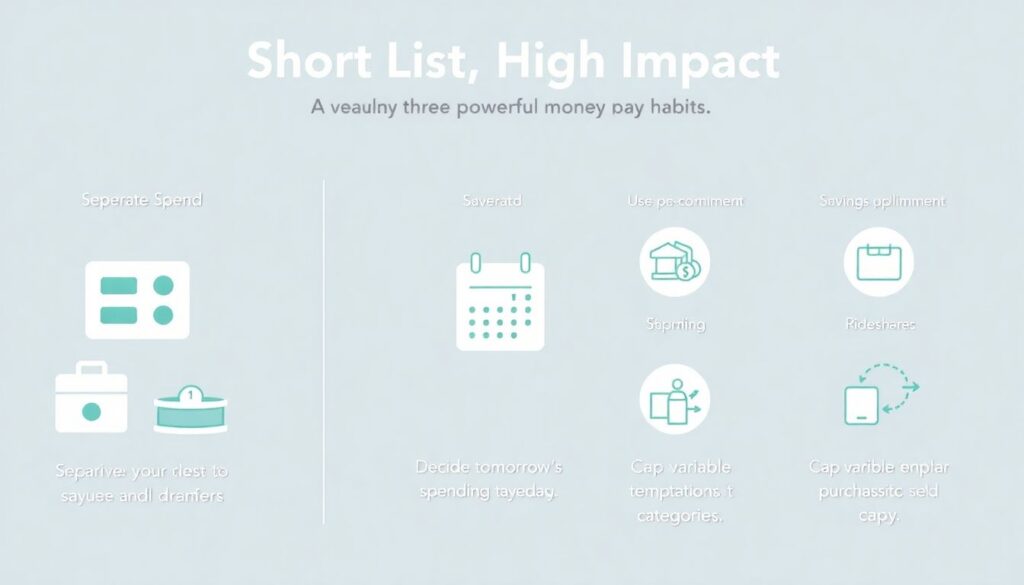
Short list, high impact:
– Separate “spend” and “save” environments: keep savings in a different bank or sub‑account to add friction.
– Use “pre‑commitment”: decide tomorrow’s spending today; decide next month’s rules this month.
– Cap “variable temptation” categories (delivery, rideshares, impulsive online buys) with hard limits, not vague intentions.
– Track *decision points*, not just totals: ask “what triggered this expense?” and adjust your environment (apps, routes, habits).
Choosing Tech: Recommendations Based on Your Profile
If You’re Overwhelmed by Numbers
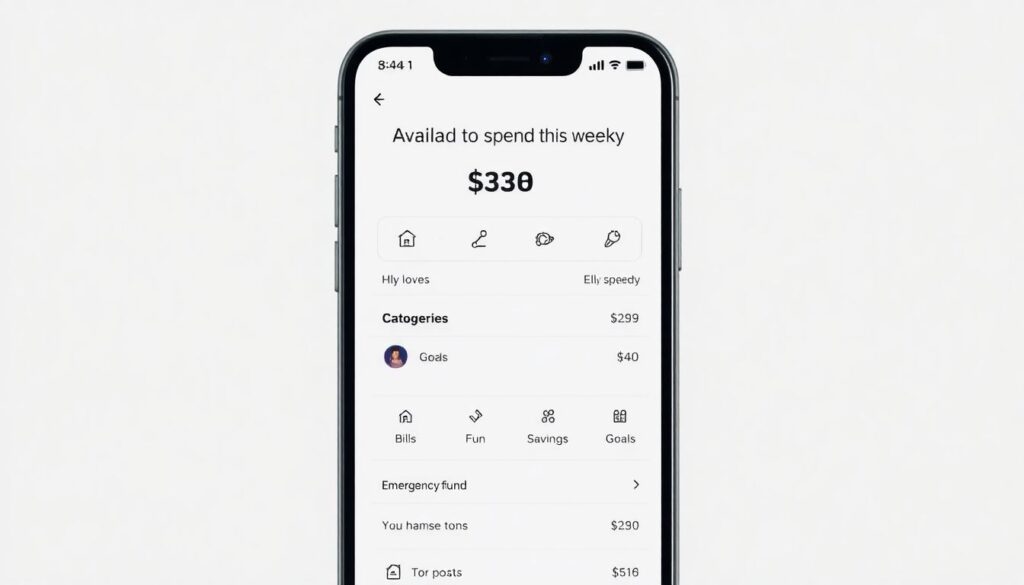
Pick a minimalist app or your bank’s built‑in tool. Configure only a few high‑level categories and a single goal (e.g., emergency fund). Ignore fancy reports for now; focus on a clear “available to spend this week” view.
If You Love Data and Control
Go for a full‑featured budgeting app or a spreadsheet‑based system. Enable detailed categorization, create separate project‑based budgets (travel, education, home upgrades) and use historical analytics to tune your ratios quarterly.
If Your Income Is Irregular
Base your plan on your 3–6 month average net inflow, not your best month. Use envelopes (or sub‑accounts) for taxes, mandatory expenses and emergencies. Treat “high” months as replenishment periods for low‑income months, not as license to expand lifestyle.
If You’re in Debt
Your budget is now a debt‑reduction engine. Prioritize fixed minimums plus an extra “accelerator” payment. Use goal‑driven budgeting to lock in that accelerator amount as non‑negotiable. Apps with debt payoff visualizations can be motivational, but the key is consistency, not tricks.
Simple Monthly Budget Plan: A Concrete Example
Imagine net income of 2,000 (after tax). A pragmatic starter layout might look like this conceptually:
– 1,100 – Needs (housing, utilities, transport, groceries, bare‑minimum healthcare)
– 300 – Financial Goals (emergency fund, investments, extra debt payments)
– 400 – Wants (restaurants, entertainment, non‑essential shopping)
– 200 – Buffer (irregular expenses, price spikes, small repairs)
You then map these aggregates into your tool of choice. The crucial step is enforcing the cap on “Wants” and protecting “Financial Goals” from being raided for short‑term desires.
As months pass, you iteratively optimize: maybe you push “Goals” to 350 and shrink “Wants” to 350 as your habits stabilize.
Trends in Smart Budgeting for 2025
1. Hyper‑Personalized Insights
Budgeting tools increasingly use machine learning to identify your unique spending patterns, seasonal trends and risk points. Instead of generic advice, you’ll see context‑aware prompts like “your average weekend spending jumped 25% over 3 months.”
2. Embedded Finance and Invisible Budgeting
Budgeting features are moving into everyday apps: digital wallets, marketplaces, even social platforms. The line between “payment” and “planning” keeps blurring, making budgeting more passive and background‑driven.
3. Sinking Funds by Default

More apps and neobanks are pushing automated “sinking funds”—dedicated mini‑goals for things like car maintenance, annual insurance or travel. This normalizes proactive planning rather than reactive scrambling.
4. Behavioral Nudges Over Hard Blocks
Instead of simply declining transactions when you exceed category limits, systems now send graduated nudges, trend warnings and alternative suggestions. The focus is on shaping behavior without feeling punitive.
Bringing It All Together
Smart budgeting at the beginner level is not about becoming a finance expert; it’s about installing a simple control system that fits your personality and then letting automation do as much of the heavy lifting as possible.
Pick one approach, one tool and one core goal. Implement a basic structure, automate what you can and commit to brief weekly check‑ins. Over time you’ll move from “Where did my money go?” to “I know exactly what my money is doing for me”—which is the real first step on a beginner’s path to sustainable, smart budgeting.