

Most people don’t overspend because they’re bad with money; they overspend because they don’t have a clear picture of what’s happening day to day. Tracking what comes in and what goes out sounds boring, but it is the control panel of your financial life. This beginner’s guide walks you through how to track spending and saving effectively, compares different methods (from pen-and-paper to apps and bank tools), and points out the traps that usually derail newcomers before they see real progress.
—
Step 1. Define why you’re tracking money in the first place
Before picking any tool or app, it’s worth answering a simple but technical question: what financial metrics do you care about? For some, the goal is cash-flow stability (not hitting zero before payday), for others — increasing the savings rate or paying down high‑interest debt. Write one to three concrete goals: “build $1,000 emergency fund in 6 months”, “pay off credit card X in 12 months”, “save 15% of income for retirement”. These targets will later dictate how detailed your categories must be, how often you log transactions, and which interface is more comfortable: simple dashboards or full personal finance software for managing expenses, assets and liabilities.
—
Step 2. Choose your basic tracking model: manual vs semi‑automatic vs automatic
There are three broad approaches, each with its own psychology and workload. A fully manual method (notebook or simple spreadsheet) demands discipline but creates maximum awareness: you feel every transaction because you enter it by hand. A semi‑automatic method uses bank exports or SMS/email notifications that you still review and categorize yourself, balancing automation and control. A fully automatic method (apps connected to your bank accounts) minimizes effort, but you can drift into “set and forget”, looking at dashboards without changing behavior. The right choice depends on your personality: if you’re detail‑oriented, manual systems work; if you hate admin tasks, you’ll likely need automation to be consistent.
—
Step 3. The low‑tech route: notebook and calculator
The simplest system is a physical notebook divided into two zones: inflows (salary, bonuses, refunds) and outflows (fixed bills, variable spending, debt payments, savings transfers). You note the date, amount, and a short category like “groceries” or “transport”. Once a week you sum each category and compare the totals with your income and your goals. The clear plus of this format is cognitive engagement: you literally see your behavior line by line. The downside is friction: it’s easy to “forget” three or four small cash payments and break your statistics. Another risk is lack of backup; losing the notebook means losing all history, so you might at least photograph pages periodically.
—
Step 4. Spreadsheet tracking: flexible but requires some setup
Spreadsheets like Excel or Google Sheets hit a middle ground between analog and tech. You still input transactions, but you can add formulas to calculate monthly totals, averages and savings rate automatically. A simple layout might use columns for date, account, category, description and amount, plus a separate summary sheet that aggregates spending by category. For many beginners, a spreadsheet is the first “personal finance system” that feels serious yet understandable. However, the initial configuration — defining categories, writing basic SUM and FILTER formulas — can scare people who aren’t comfortable with data. To avoid over‑engineering, start with 8–12 broad categories instead of dozens of micro‑tags that you will be too tired to use consistently.
—
Step 5. Budgeting apps: convenience vs data overload
Dedicated apps add automation, pre‑made reports, and mobile-friendly interfaces. They usually pull data from bank feeds or let you add transactions with a few taps. This category also includes the best budgeting apps for beginners, which tend to emphasize simplicity, visual charts and step‑by‑step onboarding instead of throwing advanced analytics at you. The main advantage is frictionless logging: you’re more likely to track daily if it takes seconds. The trade‑off is dependency on the app’s design choices: if the default categories or budget structure don’t match your lifestyle, you may start ignoring the data instead of adapting the system. When testing apps, pay attention to how easy it is to customize categories and export your data if you later switch tools.
—
Step 6. Bank and fintech dashboards: fully automatic, but shallow insight
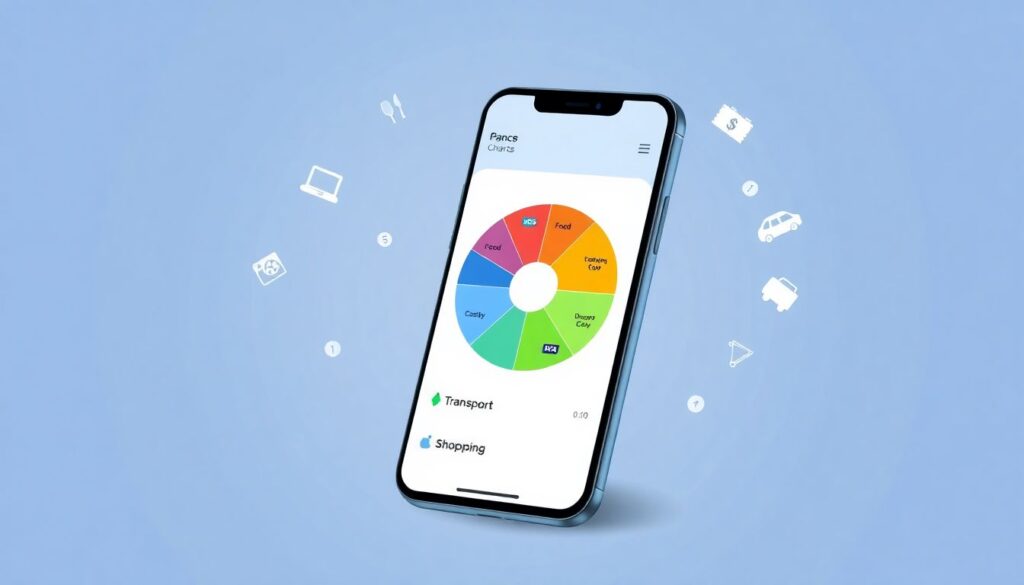
Many banks now provide transaction breakdowns inside their own apps, grouping your card purchases into “food”, “entertainment” and so on. This feels like magic: you open the app, and there’s already a pie chart. For ultra‑busy people, this is better than nothing and can highlight obvious leaks, like frequent food delivery. However, these built‑in systems often mis‑classify transactions, ignore cash spending, and have limited time horizons. They function more as basic money management tools for beginners than as full control centers. If you rely only on them, you risk believing you have a complete picture while missing offline purchases, transfers, and long‑term savings patterns.
—
Step 7. Choosing between methods: how to match system and personality
When comparing these approaches, think less about “which is the most powerful” and more about “which is the least likely to be abandoned after three weeks”. If you enjoy writing and reflection, a notebook forces you to pause and make conscious decisions; it is slow but mentally engaging. If you’re comfortable with numbers and want custom reports, a spreadsheet gives you a tailored cockpit with exactly the metrics you care about. Apps, especially those pitched as best for novices, use behavioral design tricks like notifications and progress bars to keep you engaged, which suits those who need nudges rather than raw data. Bank tools are near‑zero effort and good for a first diagnostic check, but usually too limited as a long‑term core system.
—
Step 8. Budgeting strategies: envelope, zero‑based, and pay‑yourself‑first
Tracking is only half the story; you also need a rule for assigning every dollar a purpose. The envelope method (physical or digital) allocates a fixed amount to each spending category; when the envelope is empty, you stop. It’s rigid but brutally effective for impulse control. Zero‑based budgeting starts each month from scratch, giving every unit of income a job (spend, save, or pay debt) until nothing is unassigned. This maximizes intentionality but can feel intense. The pay‑yourself‑first model automates savings and debt payments right after payday, then lets you freely use the remainder. Comparing them: envelope and zero‑based offer tighter command but require more daily attention; pay‑yourself‑first is easier to sustain, though it relies on setting the right automatic transfer amount in advance.
—
Step 9. Digital ecosystems: apps, software and online planners
Once you understand your habits, you can combine tools into a small ecosystem. For instance, you might use an online budget planner to track expenses and savings month by month, plus a simple spreadsheet where you model future scenarios like “what happens if I increase rent or change jobs”. Some users prefer all‑in‑one personal finance software for managing expenses, debts and investments within a single dashboard, sacrificing a bit of simplicity for consolidation. Others stitch together a few lightweight apps: one for daily spending, one for long‑term goals. The trade‑off is standardization versus flexibility; a unified system is easier to keep consistent but may feel heavy, while modular setups provide freedom at the cost of extra coordination between tools.
—
Step 10. Key metrics: what exactly should you monitor?
Regardless of method, certain indicators tell you whether your tracking is working. First is net cash flow: income minus all expenses in a given period; this should be positive most months. Next is savings rate: total saved or invested divided by net income; it quantifies your progress toward goals. Third is fixed‑expense ratio: how much of your budget is locked into rent, subscriptions and other non‑negotiables, which affects flexibility. Over time, also watch irregular categories like “unexpected costs” — if that slice is consistently large, you may need better forecasting. Beginners often obsess over hyper‑detailed reports but ignore these core metrics; flipping that focus gives more actionable insight with less effort.
—
Step 11. Typical beginner mistakes and how to avoid them
Several predictable errors sabotage tracking systems. Over‑complexity is number one: building dozens of categories, rules and color codes that look impressive but are impossible to maintain under daily stress. Another trap is perfectionism; missing a week of logging often leads people to quit entirely instead of just resuming from today. There is also the “subscription blind spot”: forgetting small recurring payments that erode your budget silently. Finally, many users rely on a single device without backup, losing months of data after a phone reset. To reduce risk, prioritize a minimal category set, accept incomplete data as still useful, review recurring charges monthly, and make sure your system syncs online or can export to a file you store safely.
—
Step 12. Practical setup plan for the first 30 days
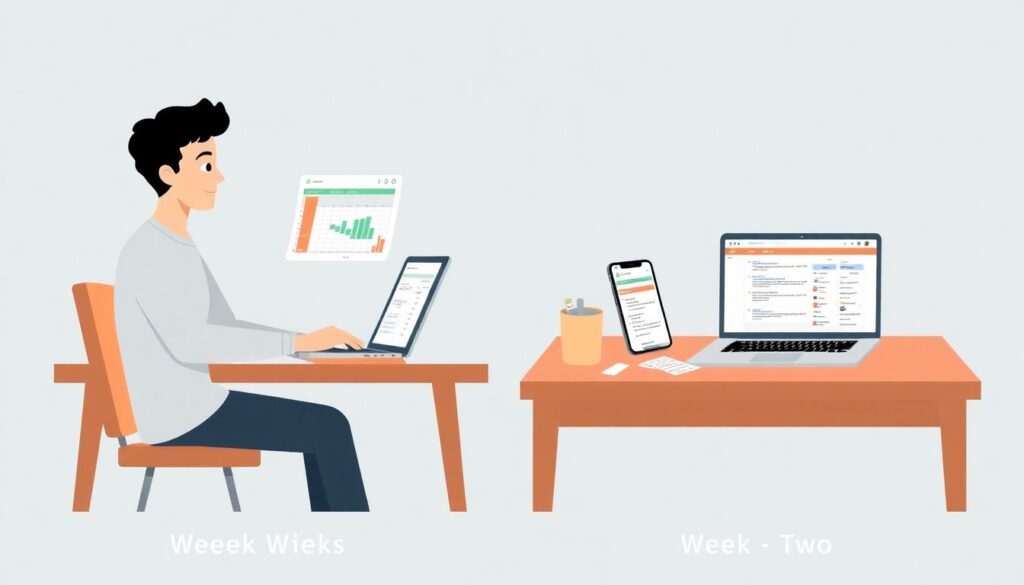
A realistic rollout for a beginner might look like this. In week one, pick one method — spreadsheet or app — and log only card and bank transactions, ignoring historical data; the goal is to form the habit, not to build a perfect archive. In week two, start adding cash spending and refine categories that feel too broad or too granular. In week three, define a simple budget using your first two weeks of data, perhaps with a light version of zero‑based logic where you explicitly set limits for only the largest three categories. In week four, evaluate your net cash flow, estimate a sustainable savings transfer, and set up at least one automatic move from checking to savings right after payday, effectively merging tracking with execution.
—
Step 13. How apps and planners differ from full finance software
There is a spectrum from lightweight budgeting apps to robust accounting‑style platforms. Basic money management tools for beginners focus on usability: quick adding of expenses, colorful charts, and reminders. At the other end, comprehensive suites integrate multiple bank accounts, credit lines and even investment portfolios, generating statements, tax‑relevant reports and long‑term projections. Choosing between them is a trade between cognitive load and analytical power. If your financial life is relatively simple — salary, rent, daily spending, one or two savings goals — heavy software is often unnecessary. However, as complexity grows (multiple income sources, side business, loans), graduating to more advanced systems can prevent chaos and provide the granularity you need for decision‑making.
—
Step 14. Using technology without losing financial awareness
Automation is helpful only if you still pay attention to the signal. A common failure mode with highly automated systems is “dashboard hypnosis”: you glance at charts and assume everything is under control without confronting specific behaviors to change. Counter this by scheduling a weekly review session — 15 to 30 minutes where you actively interrogate the data: which merchant categories grew, where did you deviate from plan, what should you adjust next week? Treat the app or spreadsheet as an instrument panel, not an autopilot. The method that works best is the one that regularly leads you to decisions like cancelling a subscription, adjusting a limit, or increasing savings, rather than just admiring graphs.
—
Step 15. Putting it all together for sustainable progress
A sustainable tracking system is not the most complex one, but the one that fits seamlessly into your everyday routine. Start lean, with minimal categories and one primary tool that you actually enjoy opening. Combine that with a simple budgeting rule that matches your temperament, whether it’s strict envelopes or a gentler pay‑yourself‑first approach. Layer in automation cautiously, using bank feeds, reminders, and simple alerts to reduce friction without going on autopilot. Over time, your data history becomes a powerful asset: you’ll see how your habits evolve, how life events affect cash flow, and how small adjustments compound into larger savings. From there, more advanced strategies — investing, debt optimization, long‑term planning — become far easier, because you’ve already mastered the core skill of tracking your spending and saving with clarity.