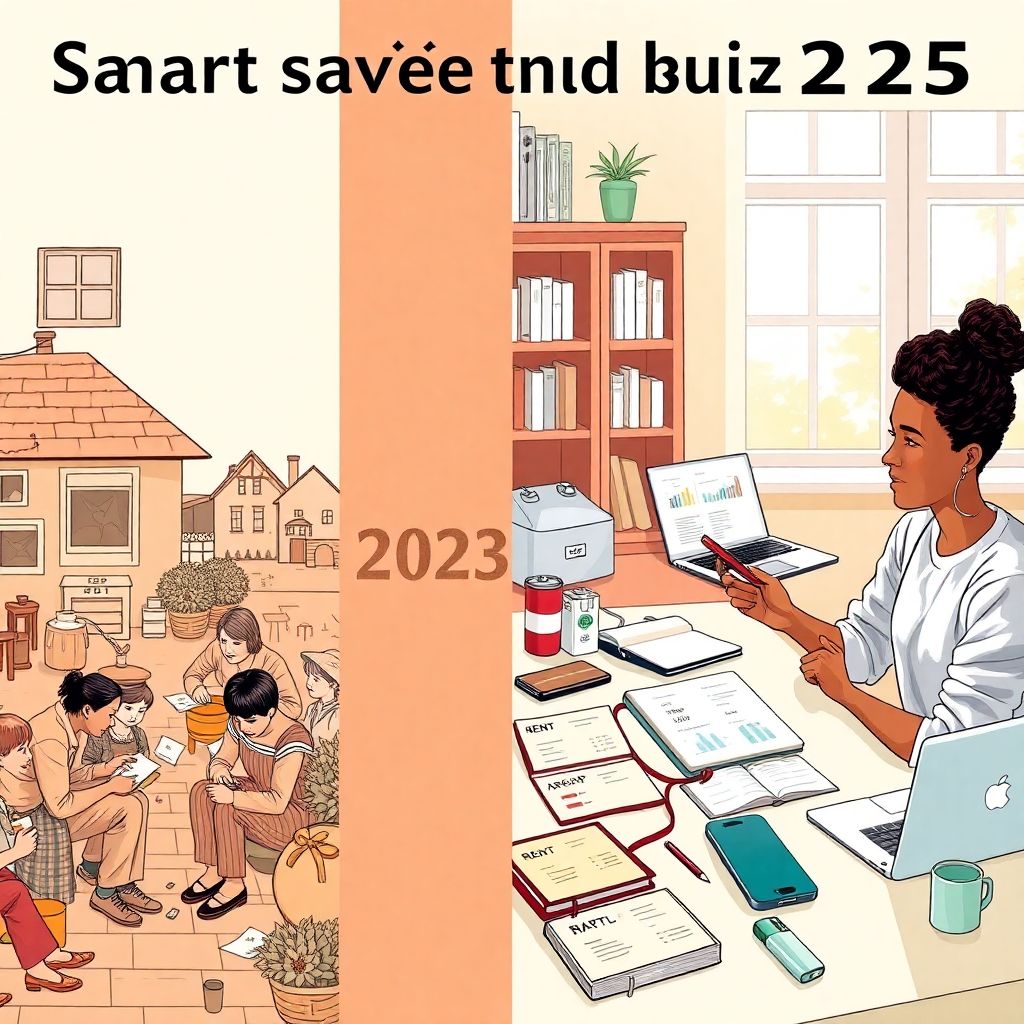
Smart saving in context: from ration books to budgeting apps
Before we dive into how to save money on a tight budget in 2025, it helps to see that “being careful with money” isn’t new at all.
A century ago, people tracked expenses in paper ledgers, swapped recipes to stretch food, and mended clothes until they fell apart. During the Great Depression, families shared housing, grew vegetables in “victory gardens”, and reused everything. In the 1970s and 1980s, inflation pushed entire generations to cut back on driving, heat less, and cook more at home.
Today the struggle looks different: subscriptions instead of ration cards, online shopping instead of catalog orders, and contactless payments instead of cash envelopes. But the core problem is the same: how to make limited income cover too many bills, without burning out or giving up.
In 2025, we have something previous generations didn’t: real‑time data, automation, and thousands of digital tools. The trick is to use this tech on *your* terms, not let it push you into spending more.
—
Different approaches to saving on a small income
1. “Awareness first” vs “automation first”
Longer explanation here.
Awareness first means you start by understanding where every dollar goes. Pen and paper, spreadsheets, or a simple notes app — the goal is to notice patterns: recurring charges, impulse buys, “tiny treats” that quietly add up.
Automation first is the opposite: you set up automatic transfers to savings, auto‑pay for key bills, maybe use round‑up features, and then adjust your lifestyle to whatever is left. You rely on software to enforce discipline, even before you fully understand your spending behavior.
Both can work on a tight budget, but they feel very different:
1. Awareness first fits people who hate surprises and want full control.
2. Automation first fits those who know they overspend when they have money sitting in the account.
If you genuinely don’t know where to start with how to save money on a tight budget, begin with awareness for one month, then layer automation on top of what you’ve learned. It’s like learning to drive: understand the pedals and mirrors, then let cruise control help on long stretches.
—
2. Zero‑based budgeting vs “pay yourself first”
Shorter overview.
Zero‑based budgeting: every unit of income is assigned a job — rent, food, transport, savings, debt, fun — until there’s literally zero unassigned at the end of the plan.
Pay yourself first: you move a set amount (even $10–20) into savings or debt repayment as soon as you get paid, then manage life with what’s left.
On a tight budget, zero‑based budgeting gives clarity, while pay‑yourself‑first makes sure saving actually happens. Combining them works well: build a monthly zero‑based plan, and inside it, treat savings as a non‑negotiable bill that goes out first.
—
Tech tools for smart saving: pros, cons, and real‑life use
3. Budgeting apps vs spreadsheets vs notebooks
Longer comparison.
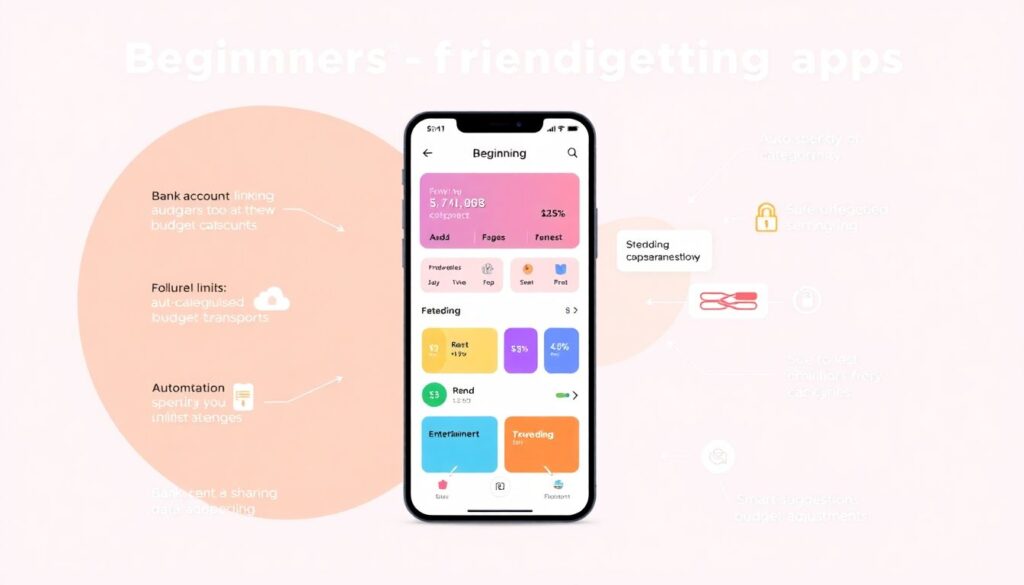
In 2025, the best budgeting apps for beginners can link to your bank accounts, auto‑categorize spending, send alerts when you’re close to a limit, and even suggest budget adjustments. They’re fantastic *if* you’re comfortable with technology and data sharing.
Pros of budgeting apps
– Automatic tracking; you don’t have to type every coffee purchase.
– Real‑time snapshot of where you stand this month.
– Visuals (charts, progress bars) that keep you motivated.
– Shared budgets for couples or roommates.
Cons
– Privacy concerns: you’re giving a third party access to financial data.
– Overcomplication: too many features can overwhelm total beginners.
– Subscription costs; some apps are a new monthly bill.
Spreadsheets (Google Sheets, Excel) sit in the middle. You design your categories, formulas, and views. They’re flexible and private, but you must enter (or copy‑paste) transactions.
Notebooks are the simplest. No logins, no data leaks, just you and a pen. They work especially well if you’re new to tracking or don’t want more screen time. The trade‑off: no automatic sums, no alerts.
For most beginners on a tight budget, a hybrid works well: a basic app for automatic logging, and a simple weekly check‑in in a notebook where you rewrite totals and reflect on them. Writing things down makes them “stick” in a way screens rarely do.
—
4. Cash envelopes vs digital “mini‑accounts”
Short, focused.
Historically, people used literal envelopes for groceries, transport, and fun money. When the cash was gone, that category was done for the month. This “envelope system” is still powerful — you feel every banknote leaving your hand.
In 2025, many banks and fintech apps let you make digital sub‑accounts or “spaces”. You can label them “Groceries”, “Rent”, “Emergency Fund”, and move money there on payday. These are basically budget planner tools for saving money fast, especially when combined with automatic transfers.
Cash envelopes shine if you overspend when tapping your card. Digital envelopes shine if it’s unsafe or impractical to carry cash, or you’re paid digitally. If your budget is very tight, using cash for problem categories (like eating out) and digital for fixed bills can be a good compromise.
—
Pros and cons of modern saving technologies
5. What tech actually helps when income is low
Longer breakdown.
When money is tight, every tool should pass two tests:
1. Does this make it easier to avoid mistakes?
2. Does this help me keep more of my income without adding stress I’ll drop in a week?
Helpful technologies (pros)
– Bank alerts and limits: Notifications when your balance is low or a big transaction hits stop overdraft surprises.
– Round‑up saving features: Every purchase gets rounded up and the extra cents go to savings. It’s small but painless.
– Bill‑negotiation and subscription‑tracking services: They spot price hikes and forgotten subscriptions.
– Micro‑investing apps for when your emergency fund is in place and you’re ready for tiny steps into investing.
Potential downsides (cons)
– Fees: Many “smart” tools are freemium. If the fee is higher than what you save, it’s not worth it.
– Over‑automation: When everything runs in the background, you might stop paying attention and drift into debt.
– Gamification fatigue: Confetti and badges can feel fun at first, then annoying, then invisible.
Rule of thumb: anything that makes your money invisible is risky on a tight budget. Use tech as a bright flashlight, not a blackout curtain.
—
6. Are online courses and content worth it?
Short explanation.
There are more personal finance courses for beginners online than ever. Some are free (from governments, libraries, banks, nonprofits), others are pricey “bootcamps”. The good ones teach you simple, repeatable systems: how to build an emergency fund, deal with debt, understand credit scores, and set up basic investing.
If a course costs more than you can save in three months by applying its lessons, skip it for now and lean on free resources — blogs, YouTube channels, local workshops, and public‑library webinars.
—
How to choose your saving strategy in 2025
7. Start from your real life, not from “ideal” advice
Longer, instructive.
Generic lists of “money saving tips for low income families” often ignore messy realities: irregular shifts, medical issues, supporting relatives, or unstable housing. So before you copy anyone’s system, answer a few questions:
1. How predictable is your income?
– If it’s steady, you can build a monthly plan with fixed amounts.
– If it’s irregular, build around minimum guaranteed income and treat anything extra as bonus for savings or debt.
2. Where do you tend to overspend?
– Food delivery? Online shopping? Kids’ expenses? Transport?
– Target those categories for stricter controls (cash envelopes, app alerts, or weekly caps).
3. How much screen time do you already have?
– If you’re on screens all day, you might stick better to an analog notebook.
– If your phone is already your “command center”, a light‑weight budgeting app may be easier.
4. How much emotional energy do you have right now?
– Massive, complex plans fail on low‑energy days.
– Small, clear steps (like “move $10 to savings on payday” and “track expenses twice a week”) have a better survival rate.
Your best saving system is the one you can still follow on a bad week — when you’re tired, stressed, or sick.
—
8. Step‑by‑step: building a beginner‑friendly plan
Shorter, numbered list.
Here’s a simple sequence you can adapt:
1. Track everything for 30 days. Use any method — app, spreadsheet, notebook — but be honest.
2. Sort expenses into “must”, “want”, and “leak”. Must = survival; want = improves life; leak = things you don’t really care about.
3. Cut leaks first. Cancel or reduce what you barely notice: unused subscriptions, random delivery fees, impulse online buys.
4. Pick one “pain point” category. Maybe groceries or eating out. Set a realistic limit for next month, and check it weekly.
5. Automate one small saving move. For example, $5 every week into an emergency fund, or round‑up savings on your card.
6. Review once a week, not once a year. Ten minutes: “What surprised me? What can I adjust for next week?”
This isn’t glamorous, but it’s how budgets actually start working in real homes.
—
Current trends in saving and budgeting (2025)
9. What’s changing in 2025 and how it affects you
Longer context + trends.
Several shifts are shaping personal finance right now:
– Real‑time pay and micro‑savings
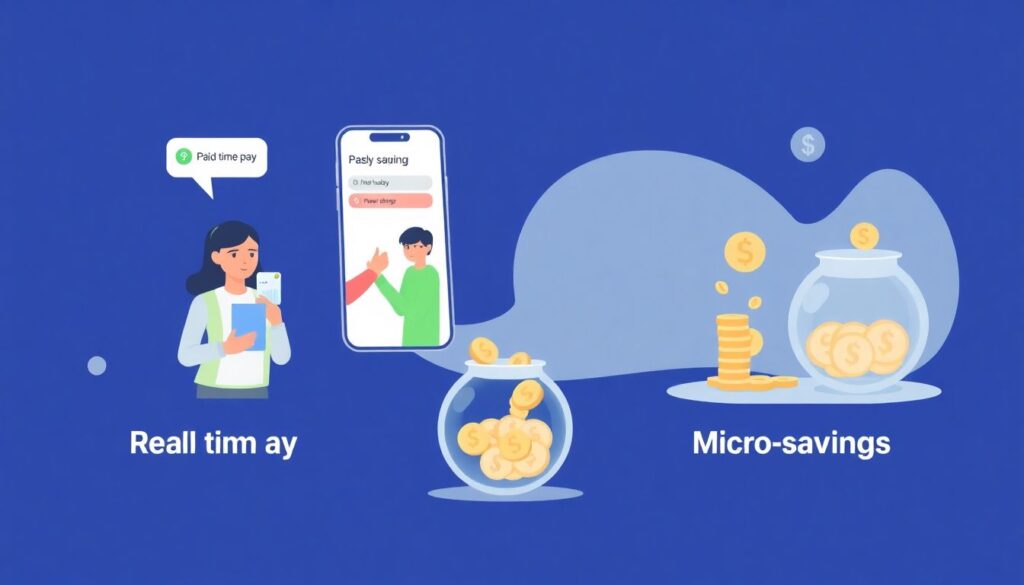
More employers offer options to get paid daily or multiple times a month. Paired with apps that skim tiny amounts into savings, this can help people who struggle to hold onto money over long stretches — as long as fees are low.
– AI‑driven insights
Modern apps use AI to predict upcoming bills, spot unusual charges, and suggest small adjustments (“You usually spend $200 on groceries, but you’re at $180 by week two — lower your grocery budget by $20 and add it to savings”). As with any AI, you want to double‑check suggestions against your actual needs.
– Regulation of “buy now, pay later”
Governments are tightening rules around short‑term “slice it” purchases. These services feel harmless but can wreck a tight budget by splitting too many small purchases into future payments. Stronger disclosures and caps in 2025 should help, but it’s still best to treat them like credit, not free money.
– Community‑based saving circles, revived online
Old‑school rotating savings clubs (friends or family put in a set amount, one person gets the pot each month) are being rebuilt with apps and smart contracts. They can provide structure and accountability, but trust is key — know who you’re pooling money with and understand the rules.
The historical pattern is repeating: tough economic times push innovation, and people rediscover older habits (shared housing, home‑cooked meals, second‑hand shopping), now coordinated through group chats and apps instead of church basements and town squares.
—
10. Where to focus if you feel overwhelmed
Short, practical wrap‑up.
If all of this feels like too much, narrow your focus to three things for the next month:
1. Know your numbers. Track every expense, no judgment.
2. Protect the essentials. Make sure housing, food, utilities, and basic transport are paid first.
3. Create one tiny win. Maybe it’s a $25 emergency fund, one bill negotiated down, or one week without delivery food.
From there, add technology slowly — a simple app, then bank alerts, then maybe micro‑savings or a low‑cost course when you’re ready.
Smart saving on a tight budget isn’t about perfection or copying an influencer’s routine. It’s the quiet skill of using the tools of 2025 — from basic notebooks to AI‑powered apps — to support *your* real life, one small, repeatable step at a time.