Understanding the Concept of “Simple” Creation
Before diving into the practical steps of creating something simple, it’s essential to define what “simple” truly means in this context. Simplicity doesn’t imply a lack of depth or usefulness — rather, it refers to clarity, ease of use, and minimalism in design and function. Whether you’re building a website, writing a script, or crafting a DIY project, the core idea is to strip away unnecessary complexity while preserving effectiveness. Experts often emphasize that simplicity is not about doing less, but about doing what matters most in a clear and efficient way. This mindset should guide every decision you make throughout the creation process.
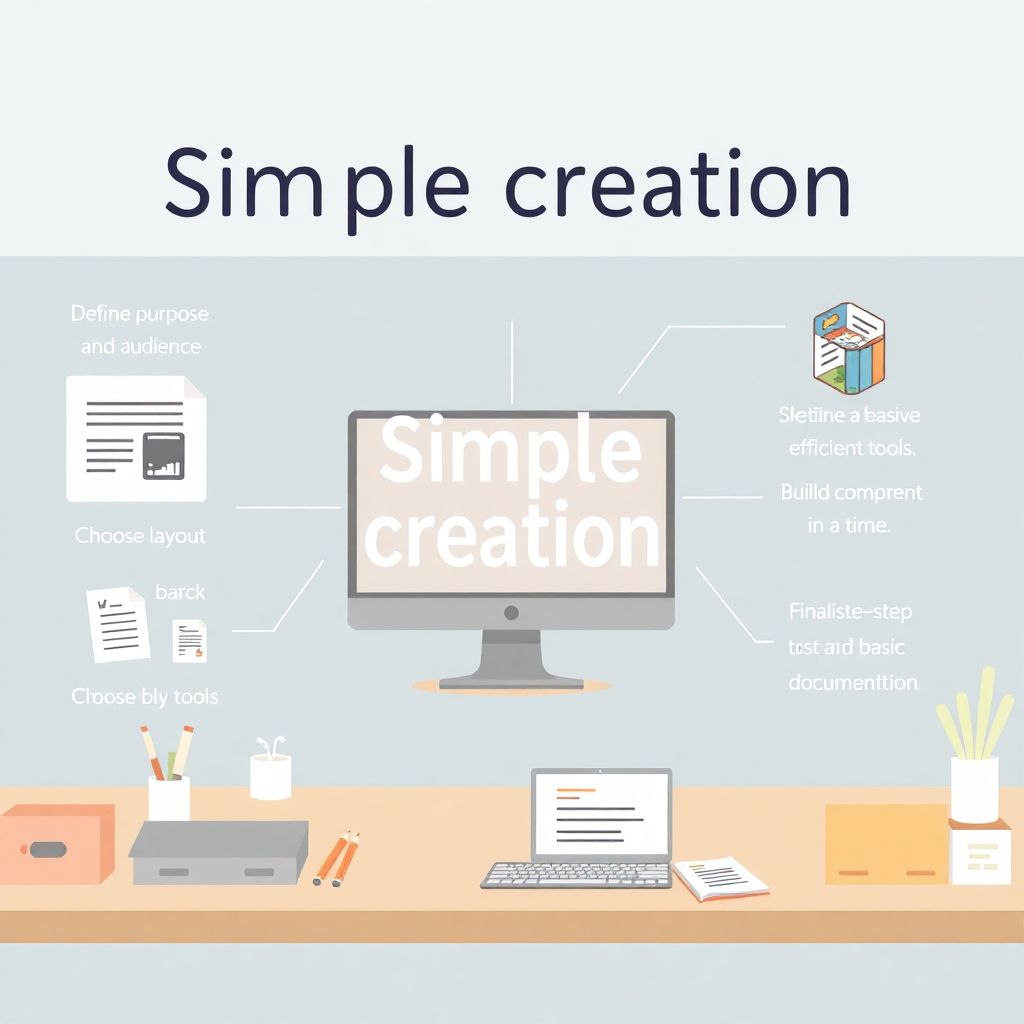
Step 1: Define Your Purpose and Audience
The first and most crucial step is to clearly identify the purpose of what you’re creating. Ask yourself: What problem does it solve? Who is it for? The answers to these questions will shape the direction and scope of your project. For instance, if you’re designing a simple mobile app, knowing whether it’s intended for teenagers or senior users will significantly influence the user interface and functionality. Experts recommend creating a brief project outline that lists your goals and target audience. This helps avoid feature bloat — the tendency to add unnecessary elements that complicate the final product without adding real value.
Step 2: Sketch a Basic Structure or Layout
Once the purpose is clear, the next step is to draft a basic structure. This could be a wireframe for a webpage, an outline for a blog post, or a physical sketch for a DIY item. The goal here is not to perfect the design, but to visualize the core components and how they relate. For beginners, it’s helpful to start with three to five key elements and resist the urge to overcomplicate. A common mistake is diving straight into execution without a plan, which often leads to confusion and rework. Expert creators advocate for “planning small, building lean” — meaning keep the initial structure minimal and scalable.
Step 3: Choose Minimal and Efficient Tools
Selecting the right tools can make or break a simple project. For example, if you’re building a basic website, using a lightweight platform like HTML/CSS without heavy frameworks can keep things fast and clean. Similarly, for writing, using distraction-free editors like Typora or iA Writer can help maintain focus. Experts suggest avoiding tools with steep learning curves unless absolutely necessary. The key is to match the complexity of the tool to the simplicity of the task. Beginners often fall into the trap of using advanced software thinking it will lead to better results — in reality, it often introduces unnecessary friction.
Step 4: Start Building — One Element at a Time
With your structure and tools in place, begin developing your project incrementally. Focus on completing one component before moving to the next. For instance, if you’re creating a simple mobile app, start with the most essential feature and ensure it works flawlessly. This approach not only keeps the project manageable but also allows for easy testing and iteration. Experts recommend applying the principle of MVP (Minimum Viable Product) — build the smallest version that delivers value, then improve based on feedback. Avoid multitasking or adding features mid-process, as this can derail your initial simplicity.
Step 5: Test and Simplify Further

After the initial build, take time to test your creation thoroughly. Look for friction points, user confusion, or inefficiencies. This step is critical, as what seems simple to the creator may be confusing to the end user. Invite feedback from real users if possible, and don’t hesitate to remove or revise parts that don’t contribute to the core function. Experts frequently stress the value of editing — in both design and content, simplicity often emerges not in the first draft but through thoughtful refinement. Stripping away non-essential elements can make your project more intuitive and polished.
Step 6: Finalize and Document
Once your project runs smoothly and meets its intended purpose, finalize it and create basic documentation. This doesn’t need to be elaborate — a short guide explaining how to use or maintain the product is often enough. Documentation ensures your creation is not only usable but also transferable. Experts point out that even the simplest projects benefit from a bit of context and instruction. For creators new to this, keeping documentation short and visual — like annotated screenshots or diagrams — can be more effective than lengthy text.
Common Mistakes to Avoid
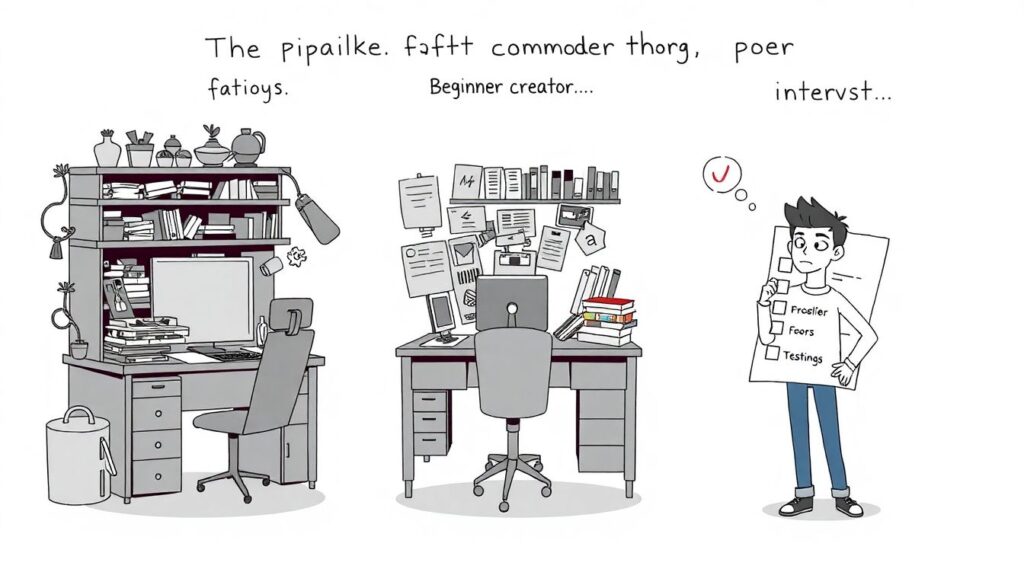
Several pitfalls can compromise the simplicity of your project. One major error is overdesign — adding features or decorations that distract from the core purpose. Another is poor organization, which can make even a minimal project feel chaotic. New creators often underestimate the importance of testing and feedback, assuming that simplicity guarantees usability. In reality, even basic systems can confuse users without clear structure and guidance. Finally, skipping the planning phase is a frequent misstep; taking time to think before building can save hours of troubleshooting later.
Expert Tips for Maintaining Simplicity
To maintain simplicity throughout your project, experts advise adopting a mindset of constant evaluation. Ask yourself, “Does this element serve the main goal?” If not, consider removing or reworking it. Use constraints as creative tools — limiting colors, functions, or words can force you to focus on clarity. Additionally, learn from models of simplicity in your field: study minimalist websites, concise writing, or efficient mechanical designs. Finally, remember that simplicity is ongoing — every version of your project offers a chance to streamline and improve. With practice, simplicity becomes not just a design choice, but a creative philosophy.
Комментарии